 Padel
PadelHow to play the padel game
A free 3D padel game you play in your browser. Team up with an AI partner for doubles, take on one opponent in singles, or drill a single shot until it sticks. This page covers the controls, every shot, the game modes and a few tips for winning more points.
Play padel now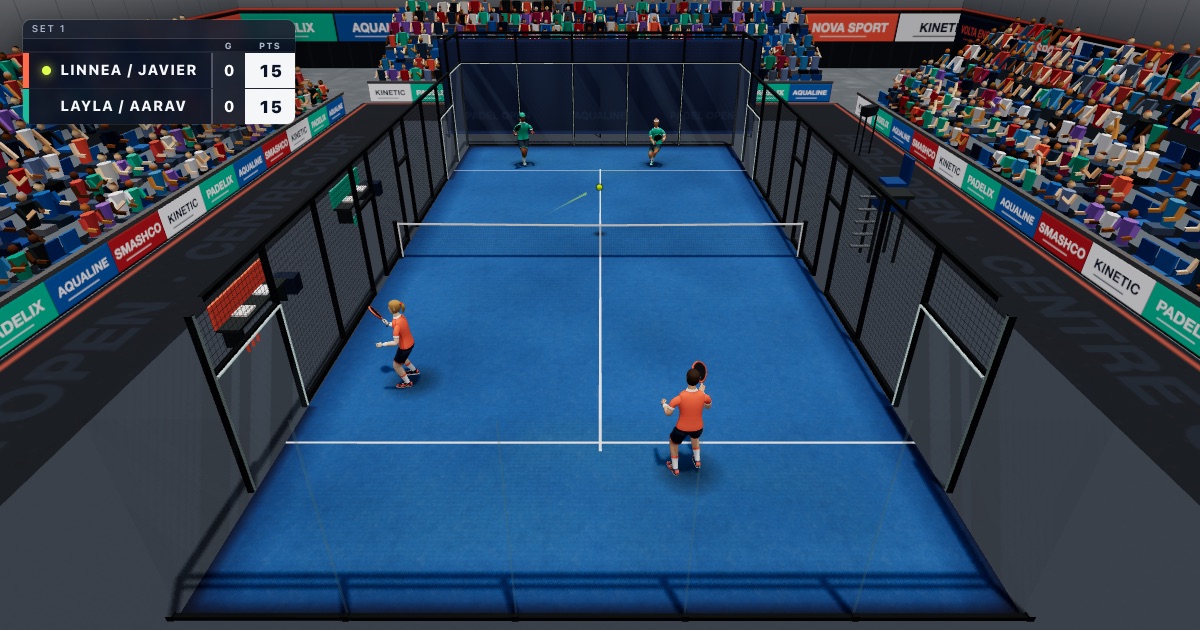
What is padel?
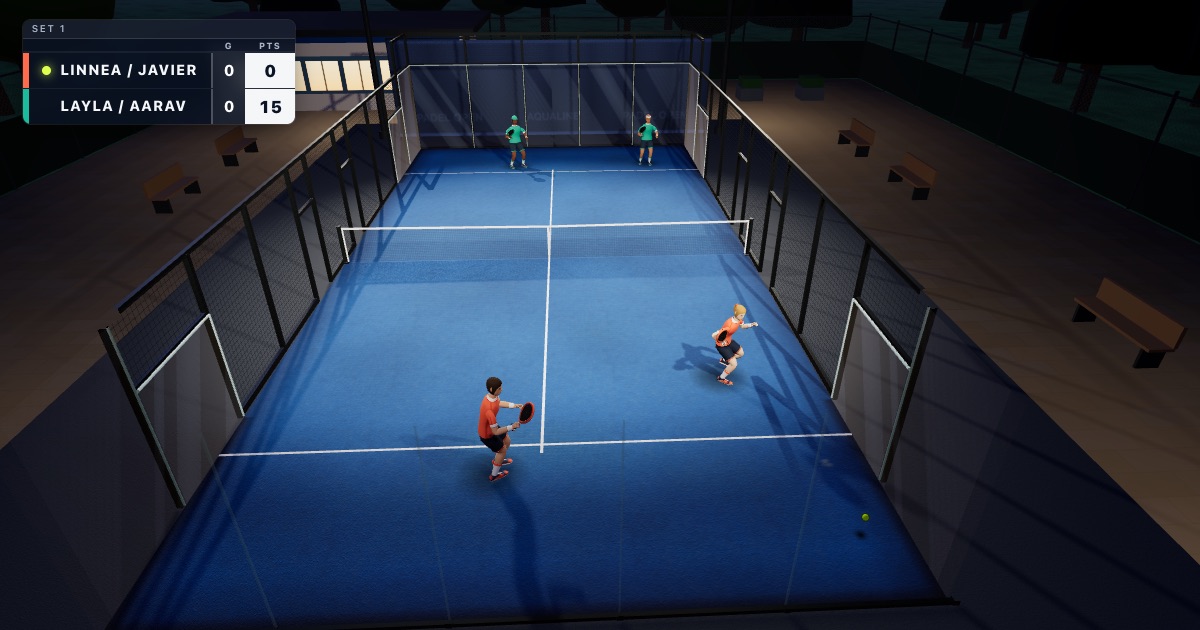
Padel is a racket sport played mostly in doubles on a 20 × 10 m court enclosed by glass and mesh walls. You serve underarm, the ball may bounce once on your side and then hit the walls before you return it, and scoring works like tennis. It is one of the fastest-growing sports in the world, and this game brings it to the browser with real wall play: balls come off the back glass, the side glass and the mesh, and reading those bounces is half the game.
Controls
Every shot is release-to-hit: the swing starts when you let go of the button, and the time you held it sets the power, from 35 for a tap up to 100 after 0.9 seconds. The charge bar shows it. A groundstroke takes about 0.15 s to reach the ball and an overhead about 0.3 s, so release slightly before the ball arrives. Hold a direction while you swing to aim.
| Action | Keyboard | Gamepad | Touch (tablet) |
|---|---|---|---|
| Move / sprint | WASD or arrows / Shift | Left stick / RT or LB | Stick bottom-left; push it to the edge to sprint |
| Drive / backhand | J hold and release | A | Green J button |
| Lob | K hold and release | X | Blue K button |
| Overhead | L: tap for a bandeja, tap with sideways for a víbora, hold for a smash | Y | Red L button |
| Chiquita | I | B | Yellow I button |
| Serve | Space to bounce, then hold and release; hold ←/→ to place it | A | J: tap to bounce, hold and release |
| Ready | Enter | — | Purple GO button |
| Pause | Esc / P | Start | II button, top centre |
With a mouse, the left button drives and the right button lobs; while a button is held the cursor aims. Touch controls appear automatically on phones and tablets and are multi-touch, so you can run and swing at the same time.
The shots
Drive and backhand
Your bread-and-butter groundstroke. The game picks forehand or backhand from the side the ball is on.
Lob
Send the ball high over the opponents at the net to push them back. A deep lob that lands near the back glass is hard to attack.
Bandeja
A controlled overhead with slice, used to keep the net when you are lobbed. Tap the overhead button.
Víbora
A more aggressive, sidespin overhead. Tap the overhead button while holding sideways.
Smash
Hold the overhead button to smash. At full charge it becomes a power smash that can bounce out of the court (x3) or come back over the net (x4).
Chiquita
A soft, low ball at the feet of the players at the net, so they have to volley up.
Game modes
- Quick match: you and an AI partner against two AI opponents. Best of three sets, tie-break at 6–6, optional golden point, three difficulty levels.
- Singles: you against one AI on a 20 × 6 m singles court with the same walls, net and scoring.
- Practice: solo against a ball machine. Drill serves, balls off the back glass, bandejas, drives, backhands, volleys, lobs, víboras, smashes and chiquitas, each with its own goal and counter.
- Tutorial: learn movement, the serve, wall play and the bandeja, then win a point.
- Demo: watch the AI play a dressed-up final with an intro flyover and a trophy ceremony.
Tips for winning more points
- Get to the net with your partner. In padel the team at the net usually controls the point.
- When you are lobbed, use a bandeja to keep your position instead of smashing every ball.
- Let fast balls go past you and play them off the back glass. You get more time and a better angle.
- Release early. The swing needs a moment to reach the ball, especially for overheads.
- Mix lobs and chiquitas to move the opponents up and back.
Frequently asked questions
Is the padel game free?
Yes. The game is free to play in your browser. There is nothing to download or install and no account to create.
Can I play padel online on a phone or tablet?
Yes. Touch controls appear automatically on touch-screen devices: an on-screen stick for movement and buttons for each shot. A tablet gives the best view of the court.
Can I play with a gamepad?
Yes. Connect a controller and use the left stick to move, A to drive, X to lob, Y for overheads and B for the chiquita.
Do the walls count like in real padel?
Yes. The ball bounces off the back and side glass and the mesh, so you can play it after the wall, just like in real padel. The practice mode has a drill for returning balls off the back glass.
Is there a singles mode?
Yes. Singles puts you against one AI opponent on a narrower 20 × 6 m court with the same walls, net and scoring as doubles.
How is padel scored in the game?
Like tennis: 15, 30, 40 and game, six games to win a set with a tie-break at 6–6, and a match is best of three sets. You can turn on the golden point, where the point at deuce decides the game.
Ready to play?
Jump straight into a match, or start with the tutorial.
Play padel Start the tutorial